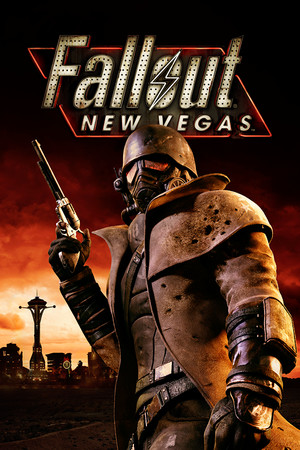
Fallout: New Vegas
21:9
Fix Required
32:9
Fix Required
Gameplay Scaling
Hor+
HUD
Edge-positioned
Centered HUD
Mod available
Cutscenes
16:9 pillarboxed
Menus
16:9, stretched
FOV
Narrow
Black Bars
None
Flawless Widescreen
Not Required
Community Fix
Available
Online Safety
Safe
Overview
On a 32:9 panel, New Vegas needs manual FalloutPrefs.ini edits just to stop the image being squeezed, since the launcher won't let you pick anything beyond 16:9. Once configured it plays hor+ correctly, but menus, the pause screen, and loading transitions were all built for 16:9 and need separate community mods to stop looking stretched or broken.
Compatibility details
21:9 SupportFix Required
32:9 SupportFix Required
Gameplay ScalingHor+
HUD BehaviorEdge-positioned
Centered HUDMod available
Cutscene Support16:9 pillarboxed
Menu Support16:9, stretched
FOVNarrow
Black BarsNone
StretchingUI only
Fixes
Recommended fix
FalloutPrefs.ini manual resolution + FOV edit
UltraWideCheck links to third-party mods and tools but does not host or distribute mod files.
Patch history & verification
v1.4.0.525Sep 18, 2026
Verified via Steam Community guide - no official ultrawide patch exists; ini-edit workaround remains the standard method.