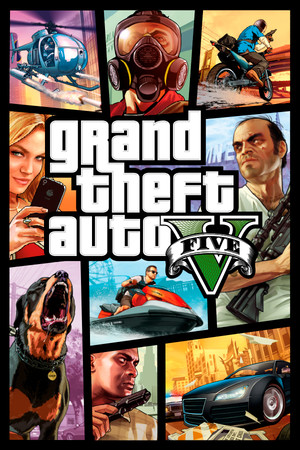
Grand Theft Auto V
21:9
Native
32:9
Partial
Gameplay Scaling
Hor+
HUD
Edge-positioned
Centered HUD
Native
Cutscenes
16:9 pillarboxed
Menus
Ultrawide
FOV
Narrow
Black Bars
Cutscenes only
Flawless Widescreen
Recommended
Community Fix
Available
Online Safety
Avoid
Overview
GTA V (Legacy) natively renders 21:9 correctly in Story Mode with no stretching, but default FOV is narrow and cutscenes stay pillarboxed at 16:9 unless you install the community FOV & Ultrawide script. At true 32:9 (5120x1440) there's a known engine ceiling around 5040 pixels wide before UI elements misbehave. Never use the FOV/ultrawide patcher in GTA Online — it requires disabling BattlEye, risking a ban.
Compatibility details
21:9 SupportNative
32:9 SupportPartial
Gameplay ScalingHor+
HUD BehaviorEdge-positioned
Centered HUDNative
Cutscene Support16:9 pillarboxed
Menu SupportUltrawide
FOVNarrow
Black BarsCutscenes only
StretchingNone observed
Fixes
Recommended fix
Grand Theft Auto V Legacy FOV & Ultrawide
UltraWideCheck links to third-party mods and tools but does not host or distribute mod files.
Already have one of these? It works too
Flawless WidescreenFWS also ships an actively maintained Grand Theft Auto V plugin as an alternative to the PCGamingWiki Community script above.
Learn more
Patch history & verification
Legacy current buildSep 18, 2026
Verified via PCGamingWiki Community script page — native 21:9 confirmed, 32:9 has a rendering-width limitation near 5040px, BattlEye conflict confirmed for GTA Online.