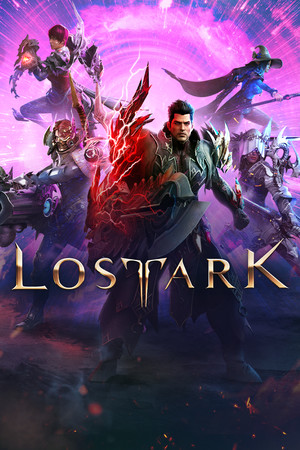
Lost Ark
21:9
Native
32:9
Partial
Gameplay Scaling
Hor+
HUD
Edge-positioned
Centered HUD
Unavailable
Cutscenes
16:9 pillarboxed
Menus
Ultrawide
FOV
Correct
Black Bars
Cutscenes only
Flawless Widescreen
Not Required
Community Fix
None available
Online Safety
Avoid
Overview
Lost Ark has an in-game ultrawide option that widens the isometric view, giving more visible area. Cutscenes are treated as 16:9, and 32:9 support is less certain than 21:9. It uses Easy Anti-Cheat, so injection tools should be avoided.
Compatibility details
21:9 SupportNative
32:9 SupportPartial
Gameplay ScalingHor+
HUD BehaviorEdge-positioned
Centered HUDUnavailable
Cutscene Support16:9 pillarboxed
Menu SupportUltrawide
FOVCorrect
Black BarsCutscenes only
StretchingNone observed
Fixes
No known fix yet.
No safe fix exists; anti-cheat makes modding risky.
Patch history & verification
Current Steam build (number not confirmed)Oct 17, 2026
Verified PCGamingWiki: ultrawidescreen=true ('Ultrawide improves FOV'); aspect locked to 16:9 for non-ultrawide resolutions. Pillarboxed cutscenes and partial 32:9 are conservative, not confirmed by a second source.