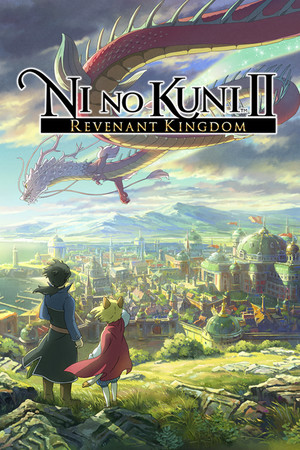
Ni no Kuni II: Revenant Kingdom
21:9
Partial
32:9
Unsupported
Gameplay Scaling
Hor+
HUD
Centered
Centered HUD
Native
Cutscenes
16:9 pillarboxed
Menus
16:9
FOV
Correct
Black Bars
Cutscenes only
Flawless Widescreen
Not Supported
Community Fix
None available
Online Safety
Unknown
Overview
Main gameplay (exploration, towns, kingdom-building) renders natively in 21:9 hor+ with a correct FOV and no black bars. Cutscenes, however, are hard pillarboxed to 16:9 for the entire game, and there is no verified working fix currently accessible (linked WSGF/community-script fixes could not be confirmed live). 32:9 behavior is unconfirmed by any source found, so it is rated unsupported rather than assumed to work.
Compatibility details
21:9 SupportPartial
32:9 SupportUnsupported
Gameplay ScalingHor+
HUD BehaviorCentered
Centered HUDNative
Cutscene Support16:9 pillarboxed
Menu Support16:9
FOVCorrect
Black BarsCutscenes only
StretchingNone observed
Fixes
No known fix yet.
PCGamingWiki cites a WSGF cutscene-fix thread and a community Flawless Widescreen script for Ni no Kuni, but both source pages returned HTTP 403 during verification and could not be independently confirmed as currently working, so no fix is being actively recommended.
Patch history & verification
current Steam buildSep 22, 2026
Confirmed via PCGamingWiki infobox that main gameplay is native 21:9 hor+ and cutscenes are pillarboxed 16:9. Could not confirm a currently-working cutscene fix (WSGF and PCGW community-file links both returned 403); could not confirm 32:9 behavior at all, so that field was set conservatively to unsupported.