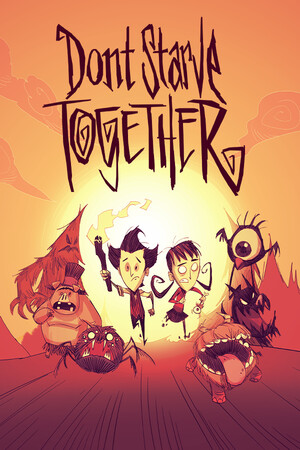
Don't Starve Together
Good
Source-confirmed
21:9
Native
32:9
Partial
Gameplay Scaling
Hor+
HUD
Edge-positioned
Centered HUD
Native
Cutscenes
16:9 pillarboxed
Menus
16:9
FOV
Correct
Black Bars
Menus and cutscenes
Flawless Widescreen
Not Required
Community Fix
Available
Online Safety
Safe
Does Don't Starve Together support 21:9 and 32:9?
Don't Starve Together supports 21:9 natively, with Hor+ gameplay that shows more of the map (WSGF Gold widescreen and Silver ultrawide awards; PCGamingWiki lists ultrawide as supported). The main menu is pillarboxed, and Klei's bug tracker confirms the loading screen and vignette stretch instead of pillarboxing. At 32:9 the HUD is pushed into the far corners, which works but is awkward, so 32:9 is rated partial. The Combined Status mod (Steam Workshop, also on GitHub) re-centers and resizes the HUD status badges, which helps on wide screens.
How to fix ultrawide in Don't Starve Together
Recommended fix
Combined Status
UltraWideCheck links to third-party mods and tools but does not host or distribute mod files.
Already have one of these? It works too
Combined Status (GitHub source)Source repository for the same mod. It doesn't auto-update, so subscribing on Steam Workshop is the easier way to install it.
Learn more
Patch & source history
Build not recordedSep 22, 2026
Sources checked: WSGF (Gold widescreen and Silver ultrawide awards), PCGamingWiki, Klei's bug tracker (the loading-screen and vignette stretching is a known bug) and the Combined Status pages on Steam Workshop and GitHub.